
Top Tips for Preventing Common Computer Issues at Home


Regular Software Updates
Keeping your software up to date is crucial for preventing common computer issues. Regular updates ensure that you have the latest security patches and features, reducing the risk of vulnerabilities. Set your system to update automatically or remind yourself to check for updates weekly.
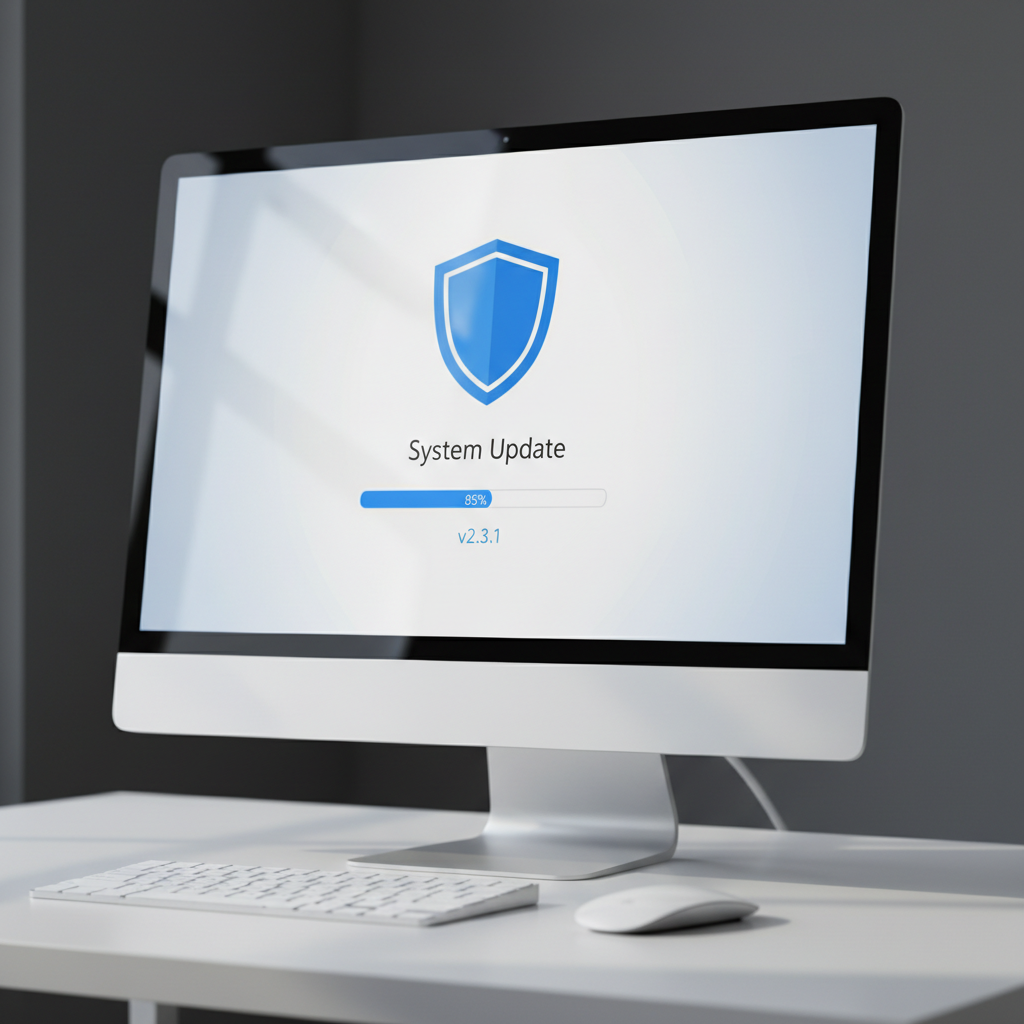
Operating System Updates
Your operating system is the backbone of your computer. Regular updates can prevent bugs and improve performance. Whether you're using Windows, macOS, or Linux, make sure you have the latest version installed. This not only enhances security but also provides new functionalities.
Antivirus and Malware Protection
One of the most effective ways to protect your computer is by using antivirus software. It acts as a shield against malware, spyware, and viruses that can slow down your system or even compromise your data. Choose a reputable antivirus program and keep it updated regularly.

Regular Scans
Schedule regular scans to detect and remove any threats. Weekly full system scans can help catch anything that might have slipped through. This proactive approach keeps your computer running smoothly and securely.
Manage Storage and Disk Space
Over time, your computer can accumulate unnecessary files and applications that take up valuable disk space. Regularly cleaning your disk can prevent slowdowns and crashes. Use built-in tools like Disk Cleanup for Windows or Storage Management for macOS to easily manage your storage.

Delete Unnecessary Files
Remove old files, temporary files, and unused applications. This not only frees up space but also improves system performance. Consider using cloud storage for files you want to keep but don't need immediate access to.
Hardware Maintenance
Physical components of your computer also need attention. Dust and debris can accumulate over time, causing overheating and hardware malfunctions. Regular cleaning can extend the life of your device.

Proper Ventilation
Ensure your computer is placed in a well-ventilated area. Avoid placing it on soft surfaces like beds or carpets that can block airflow. Using a cooling pad can also help maintain optimal temperatures, especially for laptops.
Backup Your Data
Data loss can occur due to hardware failure, malware, or accidental deletion. Regular backups are essential for protecting your important files. Use external drives or cloud services to back up your data automatically.
Choose the Right Backup Solution
Select a backup method that suits your needs. For larger files, external hard drives are efficient. For ease of access and additional security, consider cloud-based solutions that offer automatic backups.