
The Ultimate Guide to Computer Repair: What Every User Needs to Know


Understanding the Basics of Computer Repair
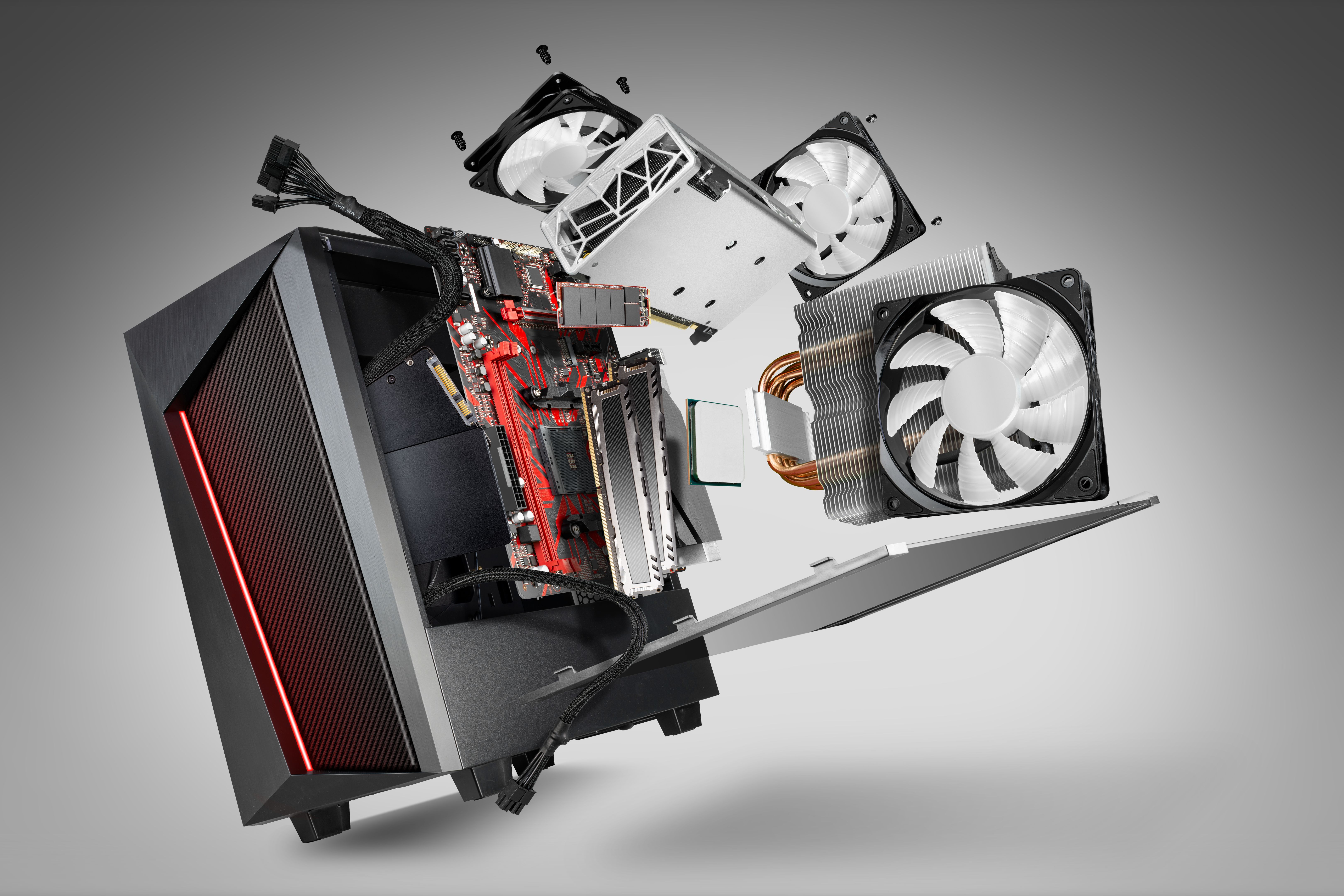
Computer repair is an essential skill for anyone who relies on technology in their daily life. Whether you're dealing with a slow system or a complete hardware failure, knowing the fundamentals can save you time and money. The first step is understanding the components of your computer, such as the CPU, RAM, hard drive, and motherboard. Recognizing these parts helps in diagnosing issues more effectively.
Identifying Common Issues
Most computer problems are due to common issues like overheating, software glitches, or hardware failures. Overheating can often be resolved by cleaning the dust from your computer's fans and vents. Software issues might require updating or reinstalling programs, while hardware failures might need part replacements. Always start with the simplest solution and work your way up to more complex fixes.

Essential Tools for Computer Repair
Having the right tools is crucial for effective computer repair. A basic toolkit should include items like a screwdriver set, anti-static wrist strap, and thermal paste. Additionally, software tools like antivirus programs and system cleaners can help maintain your computer's health. Investing in quality tools can make the repair process smoother and more efficient.
Software Troubleshooting Techniques
Software issues are often easier to fix than hardware problems. Start by running a diagnostic scan to identify any potential software conflicts. Uninstalling unnecessary programs and clearing cache files can significantly improve your computer's performance. Regular updates and maintaining a reliable backup system are also crucial for preventing data loss.

Handling Hardware Repairs
When it comes to hardware repairs, identifying the faulty component is half the battle. Testing each part individually can help pinpoint the problem. Always ensure your computer is powered down and unplugged before starting any repair work. If you're not confident in replacing parts yourself, seeking professional help is always a wise decision.
Preventative Maintenance
Preventive maintenance is key to prolonging the life of your computer. Regularly cleaning your system, updating software, and checking hardware connections can prevent many common issues. Simple practices like shutting down your computer properly and avoiding overcharging can also contribute to a longer lifespan.
Knowing When to Seek Professional Help
While many computer issues can be resolved at home, some problems require professional expertise. If you're facing persistent issues or complex hardware failures, it's best to consult an expert. They have the experience and equipment needed to handle advanced repairs, ensuring your computer is in good hands.
Staying Updated with Technology
Technology is continually evolving, and staying updated is important for effective computer repair. Follow tech blogs, forums, and online tutorials to keep your knowledge current. Understanding the latest trends and updates can help you handle new challenges more efficiently.

By equipping yourself with the knowledge and tools outlined in this guide, you'll be prepared to tackle most computer repair challenges. Remember, patience and practice are key to becoming proficient in computer repair. With time, you'll find yourself more confident in diagnosing and fixing issues, saving both time and resources.