
Preparing Your Computer for Seasonal Changes: A Maintenance Guide


Understanding Seasonal Changes
As the seasons change, so do the environmental conditions around your computer. Temperature fluctuations, humidity, and dust can impact your device's performance. Preparing your computer for these changes is crucial to maintain its longevity and efficiency.
Temperature Management
Cooling Solutions
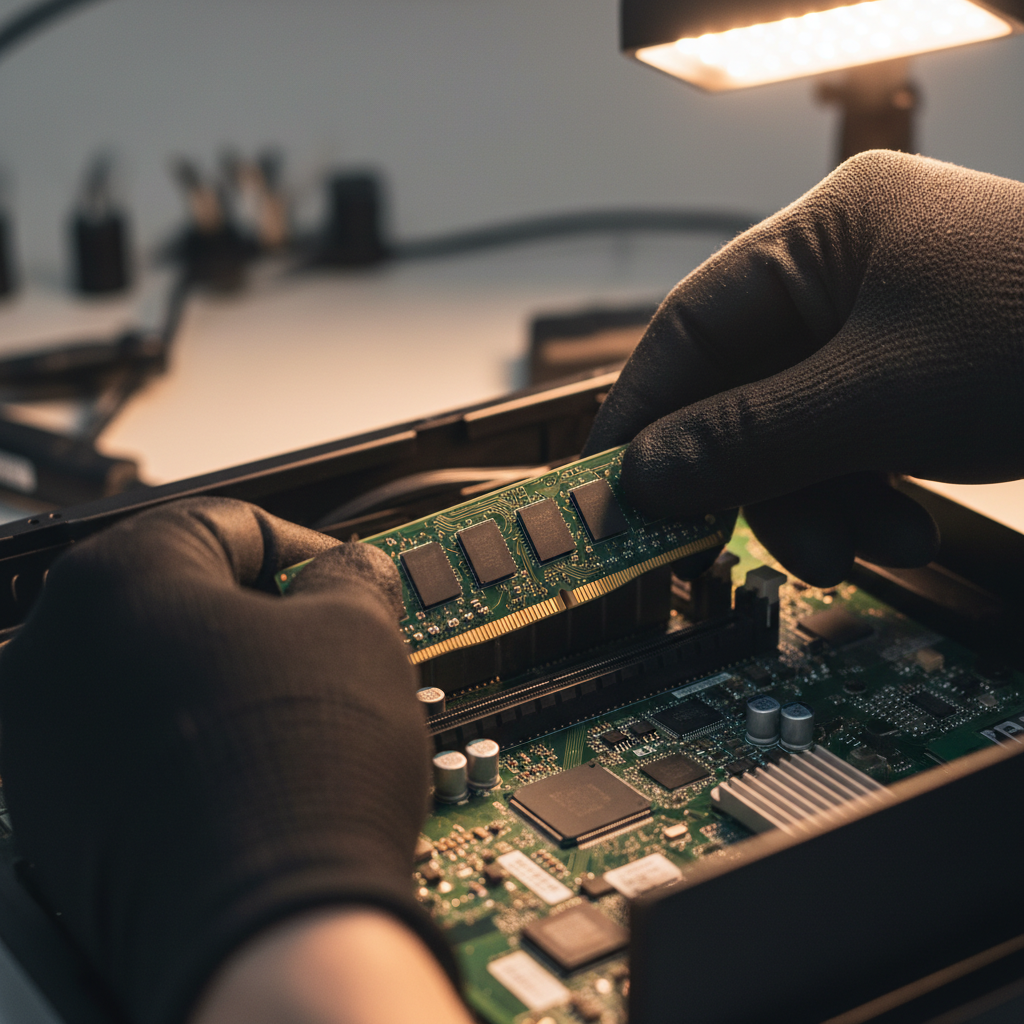
Extreme temperatures, whether hot or cold, can affect your computer's hardware. In warmer months, ensure your computer is adequately cooled. Consider using additional fans or a cooling pad for laptops. Keep the vents clear and avoid placing your computer in direct sunlight.
Heating Considerations
During colder months, it's important to keep your computer in a well-heated area. Sudden temperature shifts can cause condensation, which might damage internal components. Always let your computer adjust to room temperature before turning it on if it's been in a cold environment.
Managing Humidity
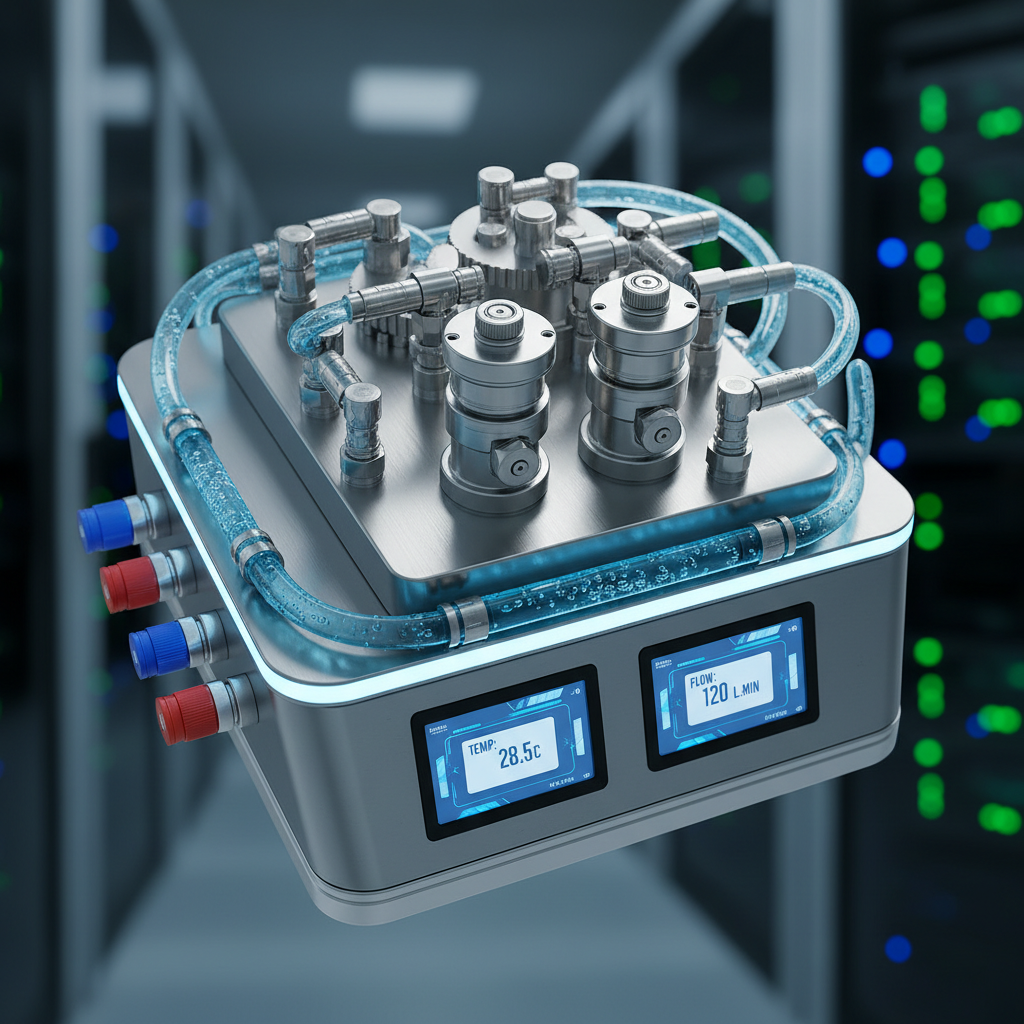
Humidity can be a silent killer for computers. High humidity levels may lead to corrosion of internal parts, while low humidity might cause static electricity build-up. Aim to keep your computer in an environment with balanced humidity levels. Using a dehumidifier or humidifier can help maintain optimal conditions.
Dust and Cleanliness
Regular Cleaning
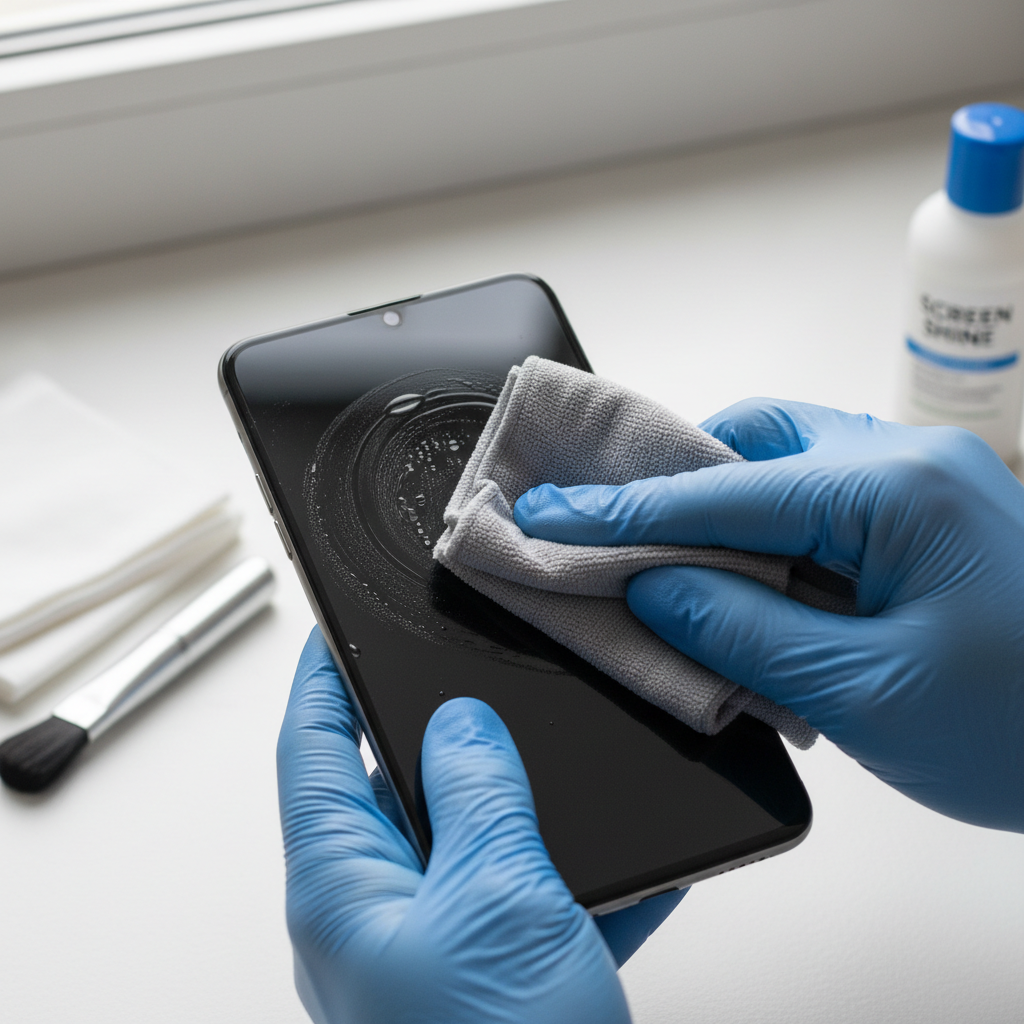
Dust accumulation is a common issue that can lead to overheating and malfunctioning. Regularly clean your computer's exterior and interior, focusing on fans and vents. Use compressed air to remove dust from hard-to-reach areas.
Proper Storage
When not in use, cover your computer with a dust cover or store it in a clean, dry place. This simple practice can prevent dust buildup and protect your device from seasonal elements.
Updating and Backing Up Software
Seasonal maintenance isn't only about the hardware. Ensure all software is up to date, including your operating system and antivirus programs. Regular updates help protect against vulnerabilities that might be exploited with seasonal scams or malware.
Data Backup
Before making any major changes or updates, back up your important data. Use cloud services or external drives to ensure your files are safe and secure, regardless of any seasonal mishaps.

Conclusion
Preparing your computer for seasonal changes is a proactive approach to maintaining its performance and longevity. By managing temperature, humidity, and cleanliness, and keeping your software updated, you can ensure your computer remains in top condition throughout the year.