
How to Prepare Your Computer for Seasonal Changes in Georgia


Understanding the Impact of Seasonal Changes
Georgia's climate is known for its distinct seasonal shifts, which can have a significant impact on your computer's performance. The hot, humid summers and cooler winters can introduce challenges such as overheating, dust accumulation, and even moisture-related issues. Preparing your computer for these changes ensures that it runs smoothly all year round.
Cooling and Ventilation
Keep Your Computer Cool
As temperatures rise, overheating becomes a common problem. Ensure your computer is placed in a well-ventilated area. Avoid placing it near windows or heat sources. Using a cooling pad for laptops or ensuring your desktop's fans are functioning can help maintain optimal temperatures.
Regular Dusting
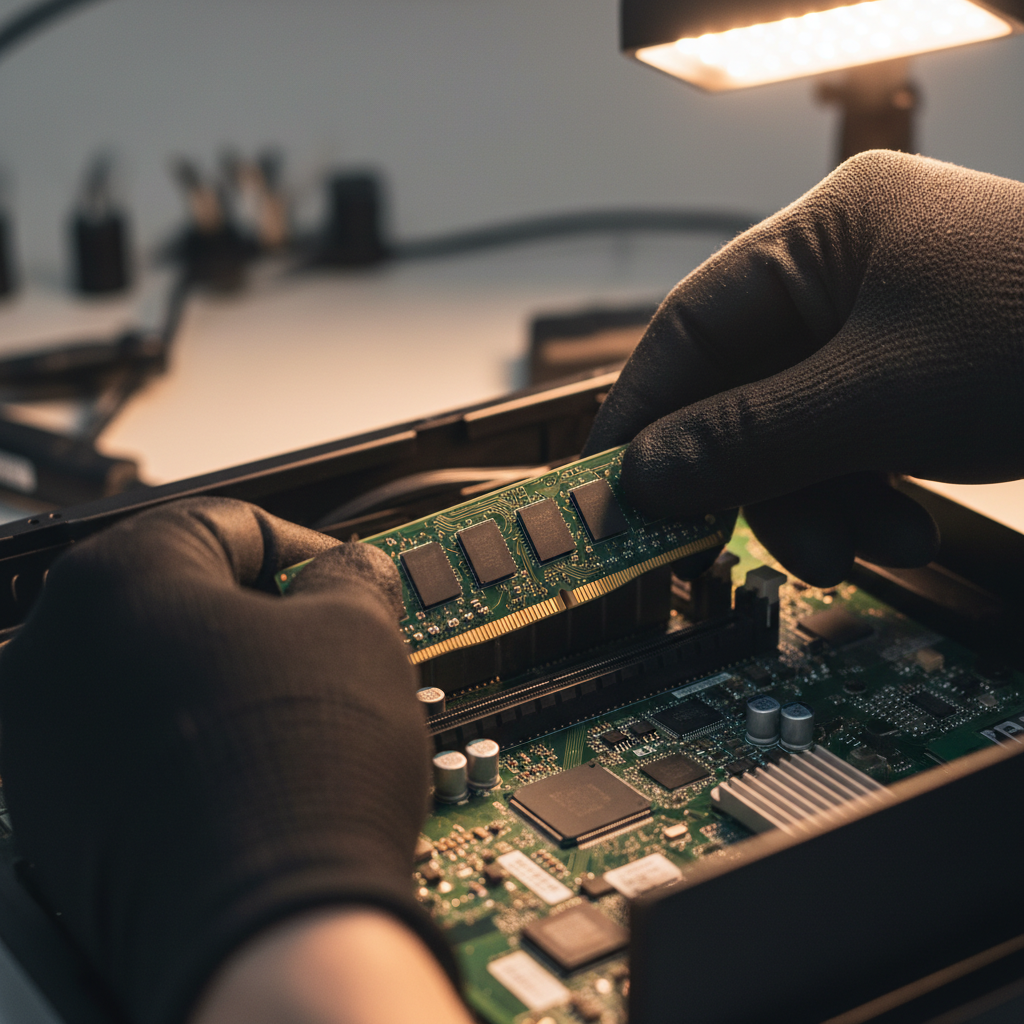
Dust accumulation can block ventilation, leading to overheating. Regularly clean your computer's exterior and interior. Use compressed air to gently remove dust from vents and fans. This not only helps in cooling but also prolongs the life of your hardware.

Protecting Against Moisture
Control Humidity Levels
High humidity can lead to moisture build-up inside your computer, risking damage to internal components. Use a dehumidifier in your workspace to maintain optimal humidity levels. Keeping your computer in a dry environment is crucial, especially during Georgia's damp seasons.
Use Protective Covers
Consider using protective covers when your computer is not in use. This prevents dust and moisture from settling on sensitive parts. Ensure the cover is breathable to avoid trapping heat inside.

Regular Software Maintenance
Update Software and Drivers
Keeping software and drivers updated is essential for optimal performance. Regular updates fix bugs and improve functionality, ensuring your system runs smoothly through seasonal changes. Schedule regular updates to avoid missing critical patches.
Perform System Checkups
Regularly conduct system checkups to identify potential issues early. Use built-in tools or third-party software to scan for malware, check disk health, and optimize performance. This proactive approach can prevent future problems.
Backup and Data Protection
Regular Backups
Seasonal changes can sometimes lead to unexpected system failures. Regular backups ensure that your data is safe. Use cloud storage solutions or external hard drives to maintain copies of important files.
Implement Security Measures
Protect your computer from potential threats by using strong passwords and installing reliable antivirus software. Regularly update these security measures to guard against new vulnerabilities.
- Use strong, unique passwords.
- Install antivirus software.
- Enable firewalls.
By following these steps, you can ensure that your computer remains in top condition despite the seasonal changes in Georgia. Regular maintenance and proactive measures are key to extending the life of your device and maintaining optimal performance throughout the year.