
DIY Computer Troubleshooting: Fix Common Issues at Home


In today's digital age, computers are essential tools for work, entertainment, and communication. However, like any technology, they can sometimes encounter issues. Before rushing to a professional, you might be able to solve some common problems yourself. This guide will walk you through DIY computer troubleshooting techniques that can save you time and money.
Identifying the Problem
The first step in any troubleshooting process is identifying the issue. Is your computer running slow, failing to start, or displaying strange errors? Each symptom can point to a different underlying problem. Start by narrowing down the symptoms to get a clearer idea of the issue.
Check for error messages: If there are any error messages, write them down. These messages can often provide clues about what's wrong and how to fix it.
Common Performance Issues
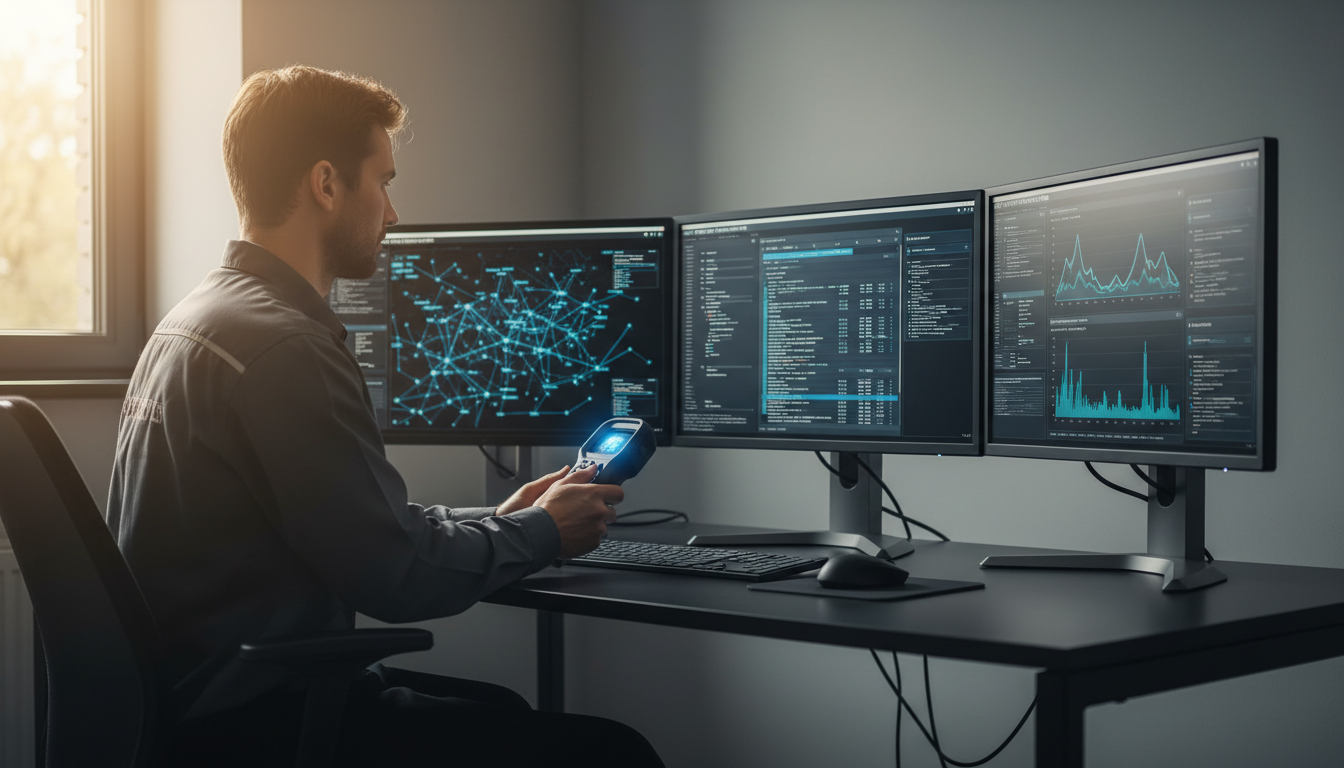
One of the most frequent complaints is a slow computer. This can be due to a variety of factors such as insufficient RAM, too many background programs, or malware. Here's how to address these issues:
- Check for background programs: Use the task manager to see what programs are running and close unnecessary ones.
- Scan for malware: Run a full system scan using reliable antivirus software to ensure your system is clean.
- Upgrade RAM: If your computer consistently runs slowly, consider upgrading the RAM for better performance.
Dealing with Startup Problems
If your computer won't start, it could be due to hardware issues, corrupted system files, or power supply problems. Here are steps to troubleshoot:
Check the power supply: Ensure that your computer is properly plugged in and the power outlet is functioning. Try a different outlet if necessary.
Tackling Software Glitches
Software issues can manifest as program crashes or frozen screens. Often, these can be resolved by following these steps:
- Restart your computer: Sometimes, a simple restart can resolve temporary glitches.
- Update software: Ensure all your software, including the operating system, is up to date. Updates often fix bugs and improve performance.
- Reinstall problematic applications: If a specific program is causing issues, try uninstalling and reinstalling it.
Hardware Troubleshooting
Hardware issues can be more challenging to diagnose and fix. Common signs include unusual noises or a failure to recognize connected devices. Here's what you can do:
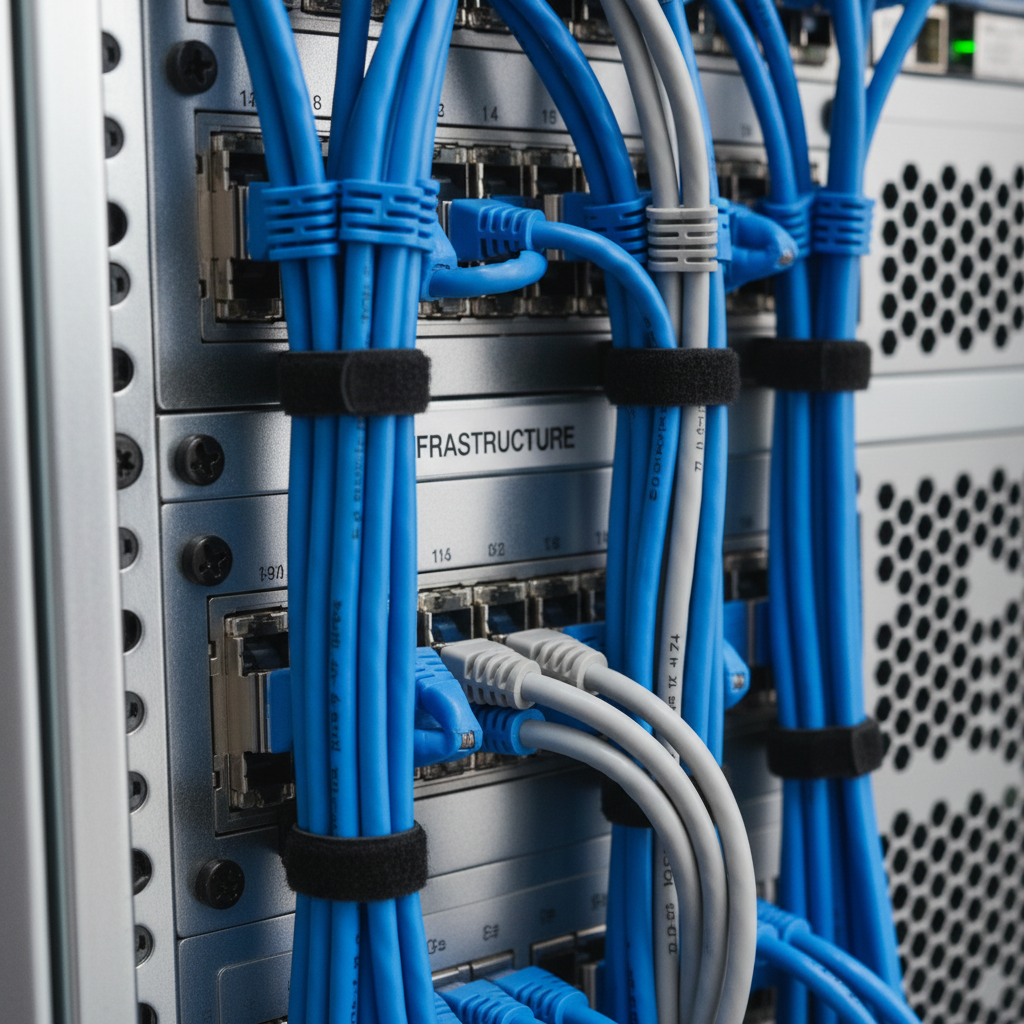
Check connections: Ensure all cables and connections are secure. Loose cables can cause hardware devices to malfunction.
When to Seek Professional Help
While many issues can be resolved at home, some problems require professional assistance. If you've tried the above steps without success, or if the issue involves complex hardware repairs, it might be time to contact a technician.
By following these DIY troubleshooting steps, you can often resolve common computer issues quickly and efficiently. Remember, patience and a systematic approach are key to effective problem-solving. Happy troubleshooting!