
DIY Computer Maintenance Tips for Peak Performance


Introduction to DIY Computer Maintenance
Keeping your computer in top condition is essential for ensuring smooth performance and longevity. Regular maintenance can prevent unexpected crashes and slowdowns, saving you time and money. In this guide, we'll explore some effective DIY computer maintenance tips to help you optimize your system's performance.
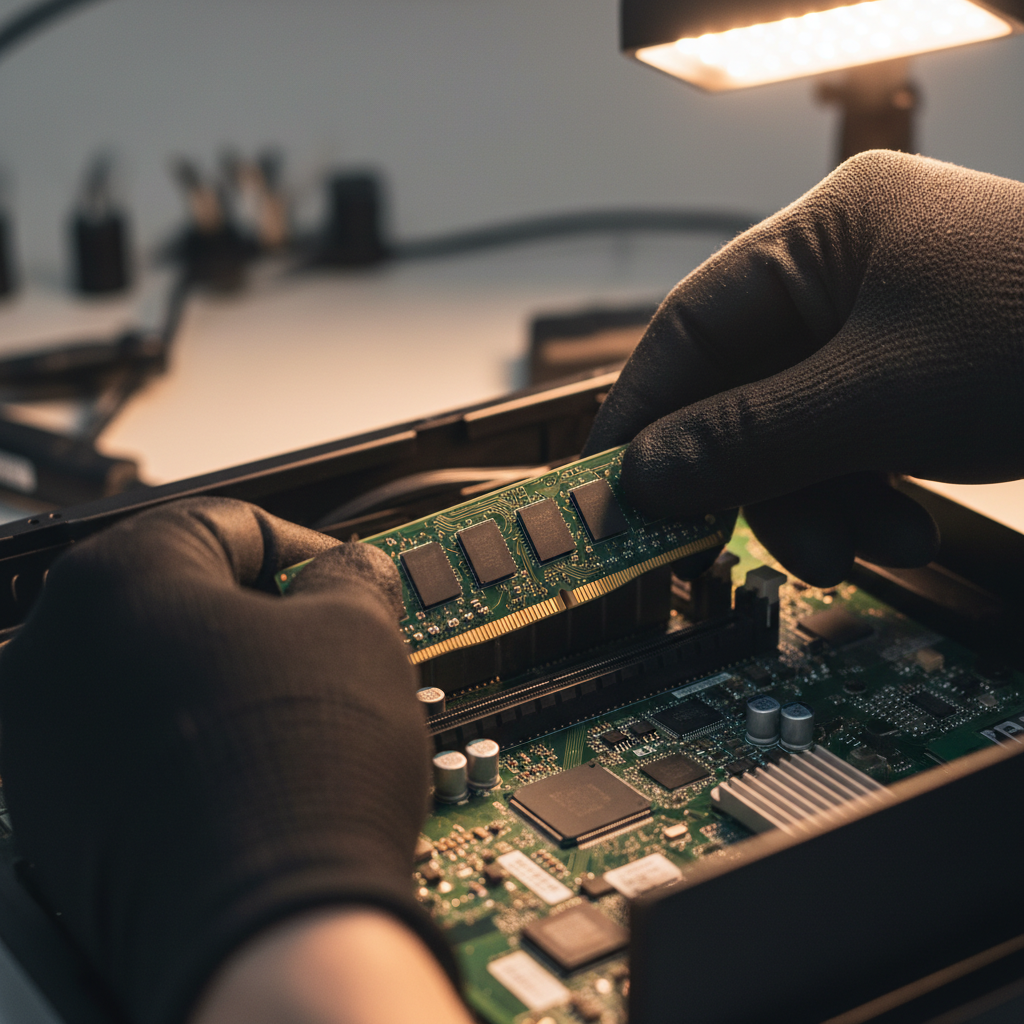
Regular Software Updates
Updating your software is crucial for maintaining peak performance. Developers frequently release updates to patch security vulnerabilities and improve functionality. Make sure to:
- Enable automatic updates for your operating system.
- Regularly check for updates for installed applications.
- Update your antivirus software to protect against the latest threats.
Operating System Updates
Your operating system is the backbone of your computer. Regular updates not only provide new features but also critical security patches. Check your settings to ensure automatic updates are enabled.
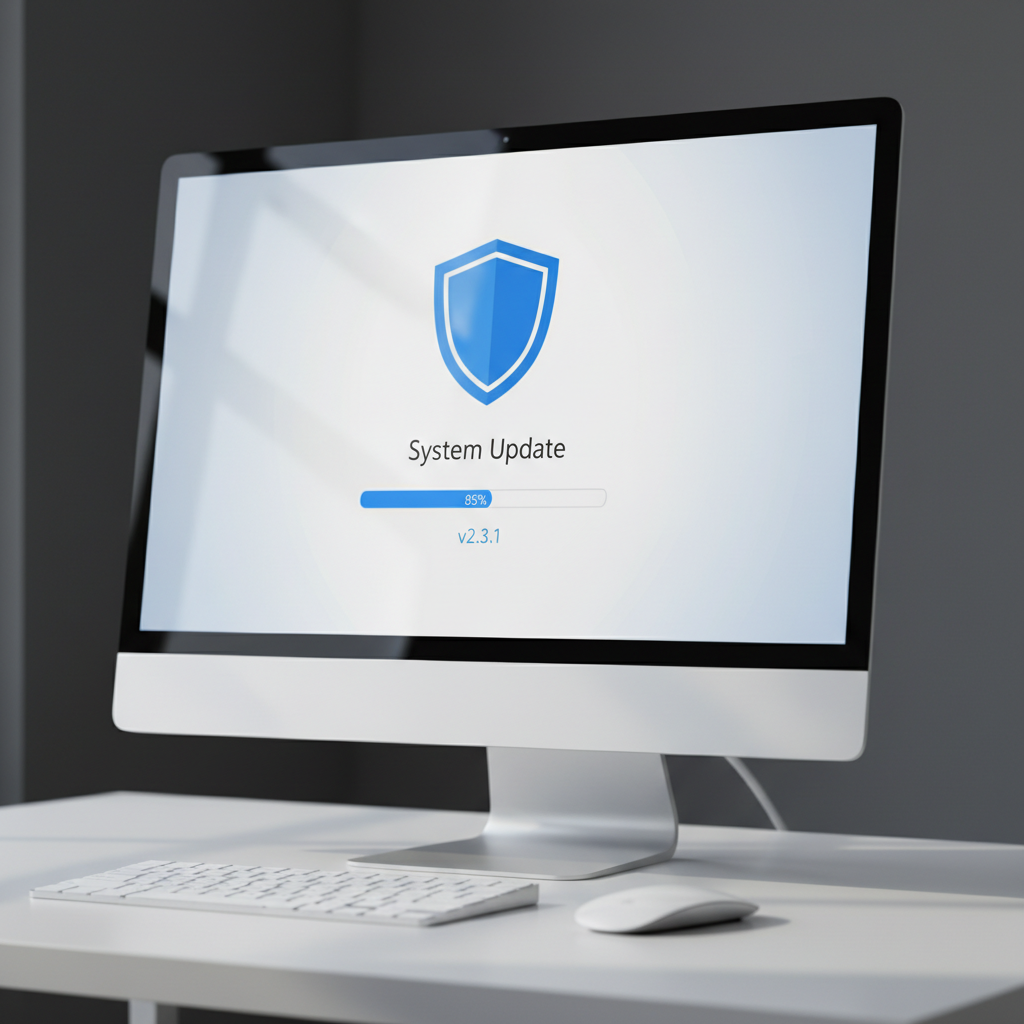
Disk Cleanup and Defragmentation
Over time, your computer accumulates unnecessary files that can slow down performance. Regularly performing disk cleanup and defragmentation can help:
- Remove temporary files and system cache.
- Organize fragmented data to improve loading times.
Most operating systems have built-in tools to assist with these tasks. Schedule them to run periodically for best results.
Managing Startup Programs
Many programs are set to start automatically when your computer boots up, which can slow down your startup time. Use your task manager to disable unnecessary startup programs and streamline your boot process.
Hardware Maintenance
Physical components of your computer also require attention. Dust and debris can accumulate inside your machine, affecting performance and leading to overheating. Consider these steps:
- Regularly clean your computer's interior with compressed air.
- Ensure proper ventilation by keeping vents unobstructed.
- Check connections and cables for wear and tear.
Monitoring System Performance
Stay informed about your system's performance by using built-in monitoring tools. These tools can provide insights into CPU usage, memory consumption, and more, helping you identify potential issues early.
Conclusion
By adopting these DIY computer maintenance tips, you can significantly enhance your system's performance and extend its lifespan. Regular attention to both software and hardware components will ensure your computer runs smoothly and efficiently.