
DIY Computer Maintenance: Simple Tips to Avoid Costly Repairs


Introduction to DIY Computer Maintenance
In today's digital age, computers have become essential tools in our daily lives. However, neglecting regular maintenance can lead to costly repairs. By following some simple DIY maintenance tips, you can keep your computer running smoothly and extend its lifespan.
Keep Your System Clean
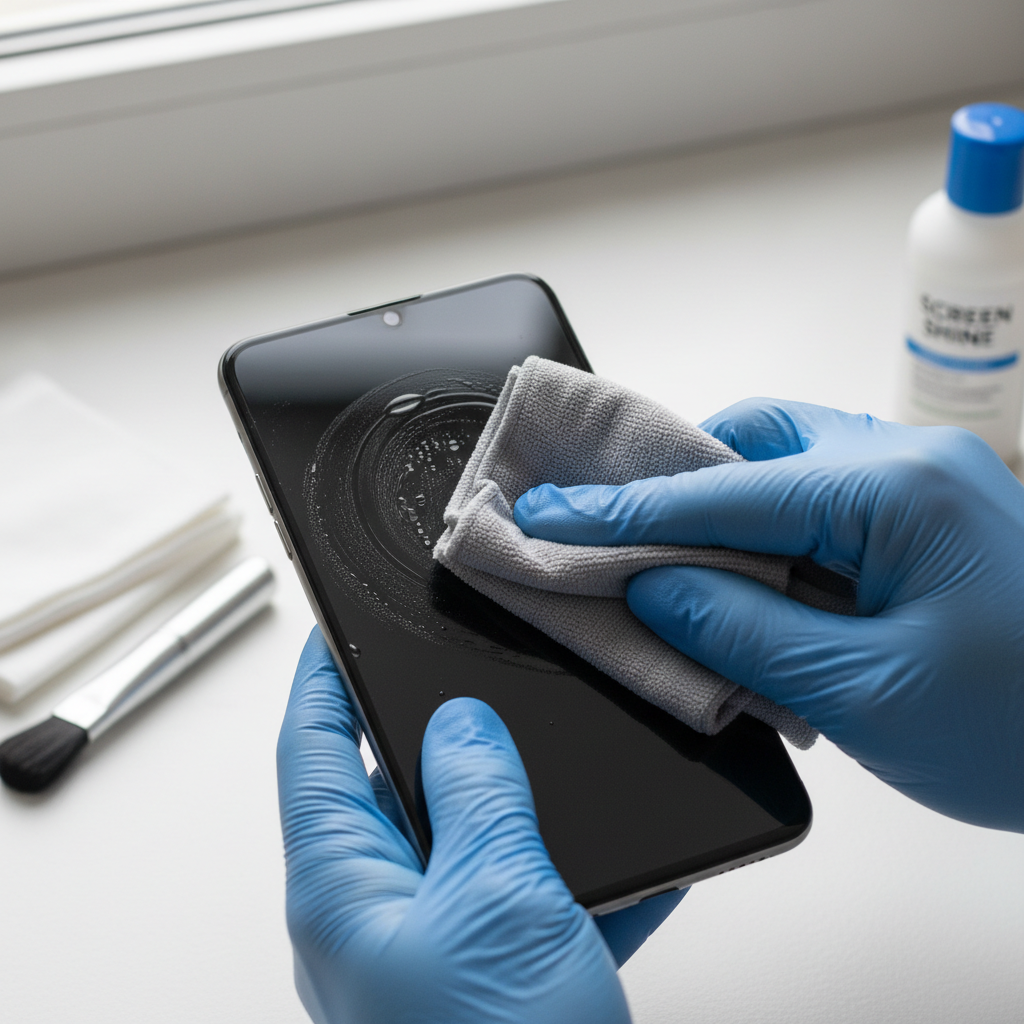
Dust and debris can accumulate inside your computer, affecting its performance. Regularly cleaning the exterior and interior parts of your computer can prevent overheating and ensure optimal performance.
For the exterior, use a soft, dry cloth to wipe the surfaces. For the interior, carefully open the computer case and use compressed air to blow out the dust.
Organize Your Files
File clutter can slow down your computer. Regularly organizing and cleaning up your files can improve system speed. Consider categorizing files into folders and deleting those you no longer need.
Additionally, make use of built-in disk cleanup tools to remove temporary files and other unnecessary data.
Software Updates and Security
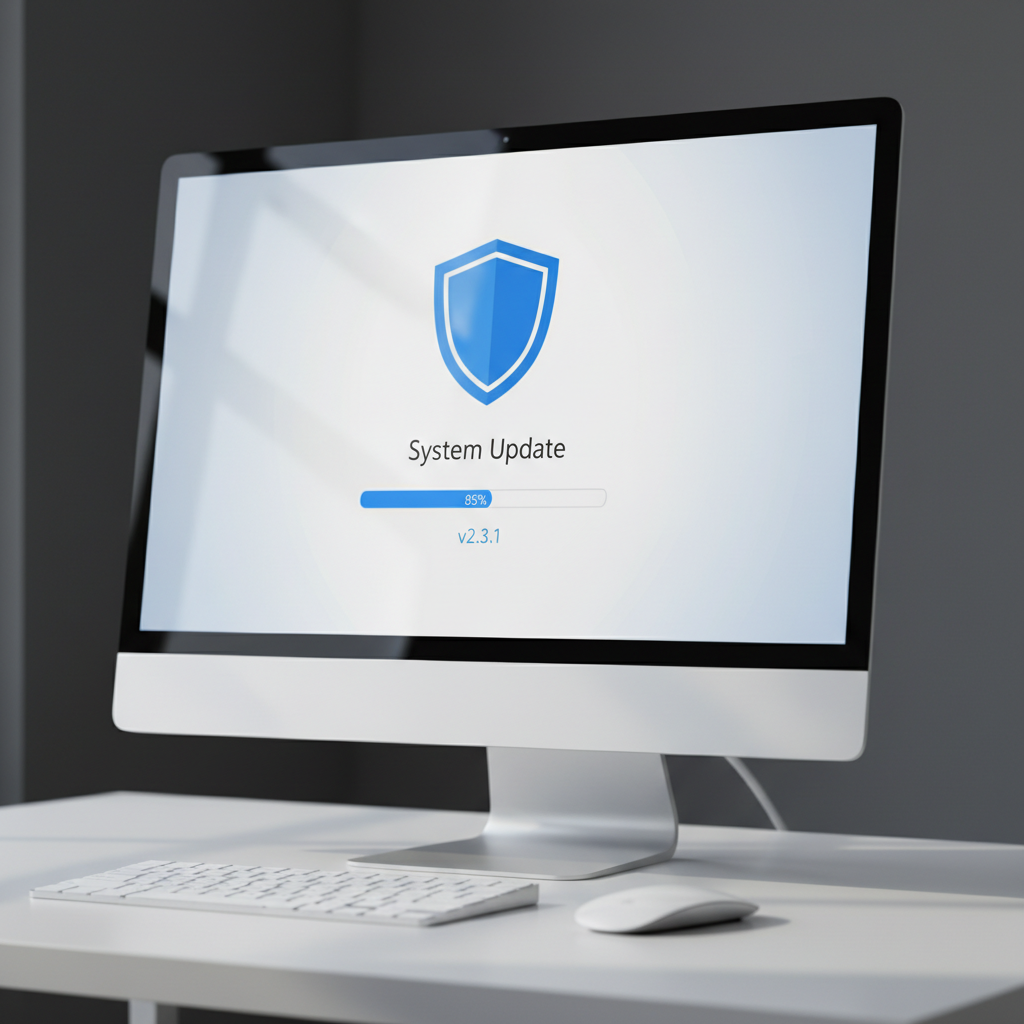
Keeping your software up to date is crucial for security and performance. Regular updates patch vulnerabilities and enhance functionality. Set your system to automatically update to ensure you don't miss critical updates.
Install Reliable Antivirus Software
Viruses and malware can cause significant damage to your system. Installing reliable antivirus software is a vital step in protecting your computer. Ensure the software is set to automatically update and perform regular scans.
Monitor System Performance
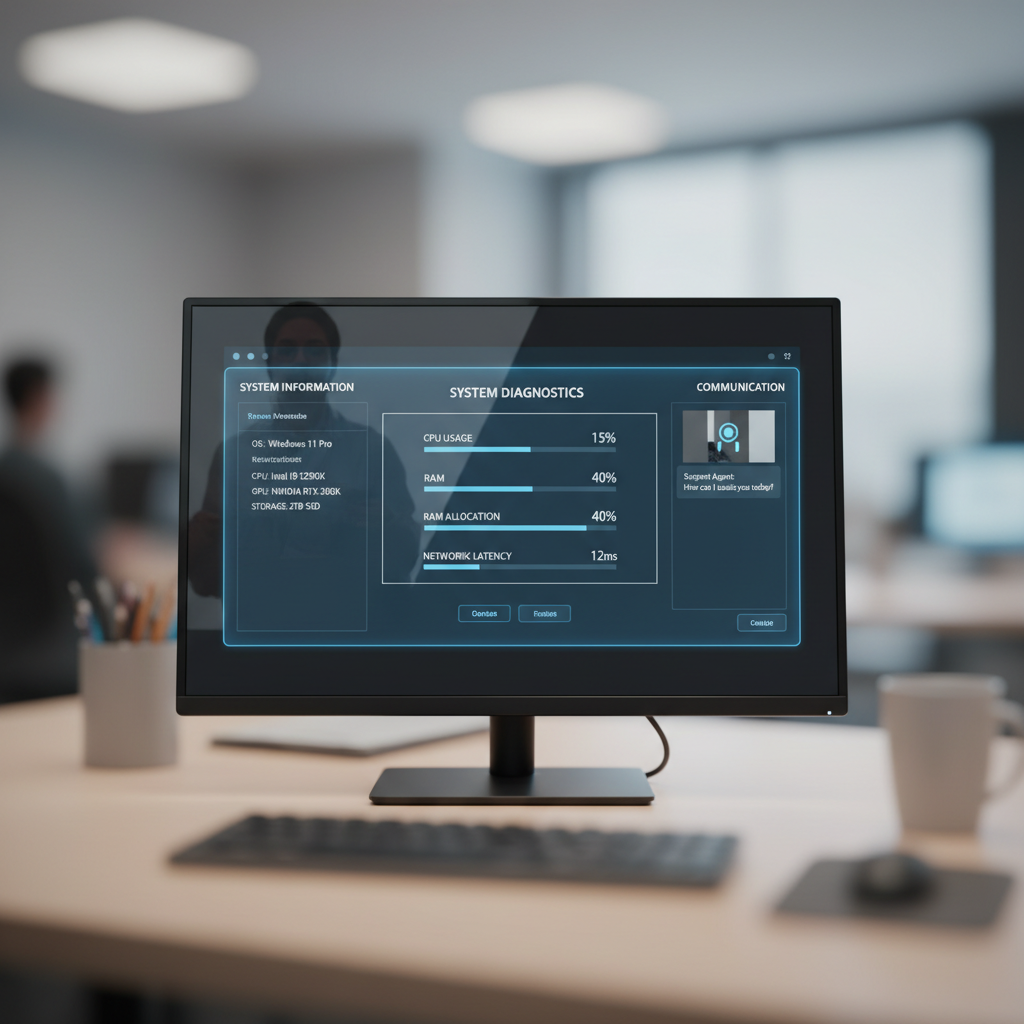
Monitoring your computer’s performance can help you identify potential issues early. Use built-in tools like Task Manager on Windows or Activity Monitor on Mac to keep track of CPU and memory usage.
If you notice unusual slowdowns or spikes in usage, it may be time to investigate further or seek professional help.
Backup Your Data Regularly
Data loss can occur due to hardware failure, accidents, or malware. Regularly backing up your data ensures that you can recover important files if something goes wrong. Consider using cloud storage or an external hard drive for backups.
Conclusion
By performing regular DIY maintenance, you can avoid costly repairs and keep your computer running efficiently. Implement these simple tips to ensure your system remains in top condition, saving you time and money in the long run.