
Comprehensive Guide to Computer Repair: What Every User Should Know


Understanding Basic Computer Components
Before diving into computer repair, it's essential to understand the basic components of a computer. These include the CPU, RAM, hard drive, motherboard, and power supply. Knowing these parts helps in diagnosing problems effectively.
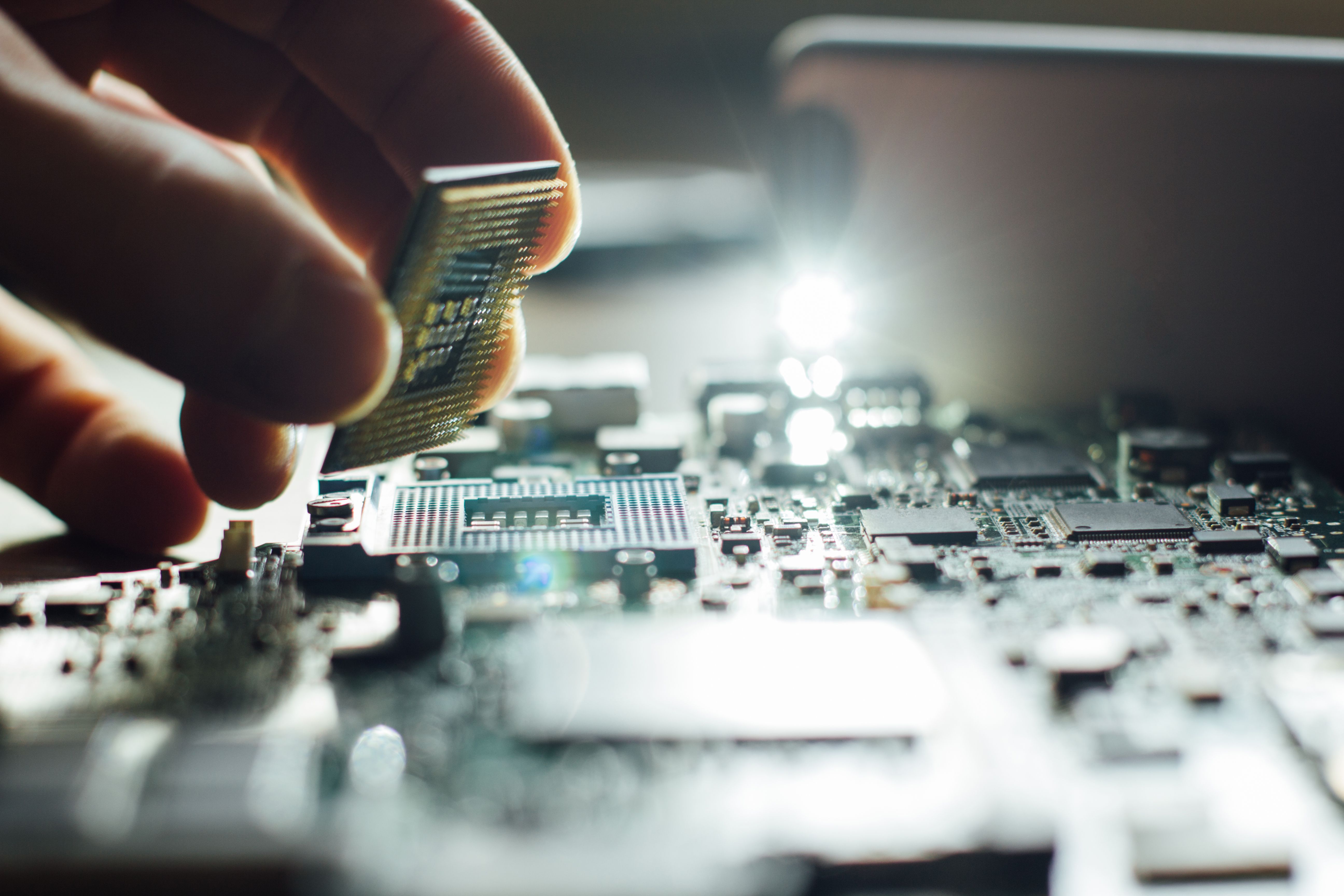
Central Processing Unit (CPU)
The CPU is the brain of your computer. It processes instructions and manages operations. If your computer is running slow, it might be due to an overworked CPU, which could indicate the need for cleaning or upgrading.
Random Access Memory (RAM)
RAM is crucial for multitasking. Insufficient RAM can slow down your system, especially when running multiple applications. Consider upgrading your RAM if performance issues arise.
Common Computer Problems and Solutions
Several common issues can affect computers, such as slow performance, overheating, and hardware failures. Understanding these problems is key to effective repair.

Slow Performance
If your computer is sluggish, it might be due to background applications or malware. Running antivirus software and closing unnecessary programs can help enhance speed.
Overheating
Computers can overheat due to dust buildup or faulty fans. Regularly cleaning the interior and ensuring fans are operational can prevent overheating issues.
Tools and Software for Computer Repair
Having the right tools and software is essential for any computer repair task. Here's a list of must-haves for every user:
- Screwdrivers: Essential for opening the computer case.
- Antivirus Software: Protects against malware and viruses.
- Diagnostic Tools: Helps in identifying hardware issues.
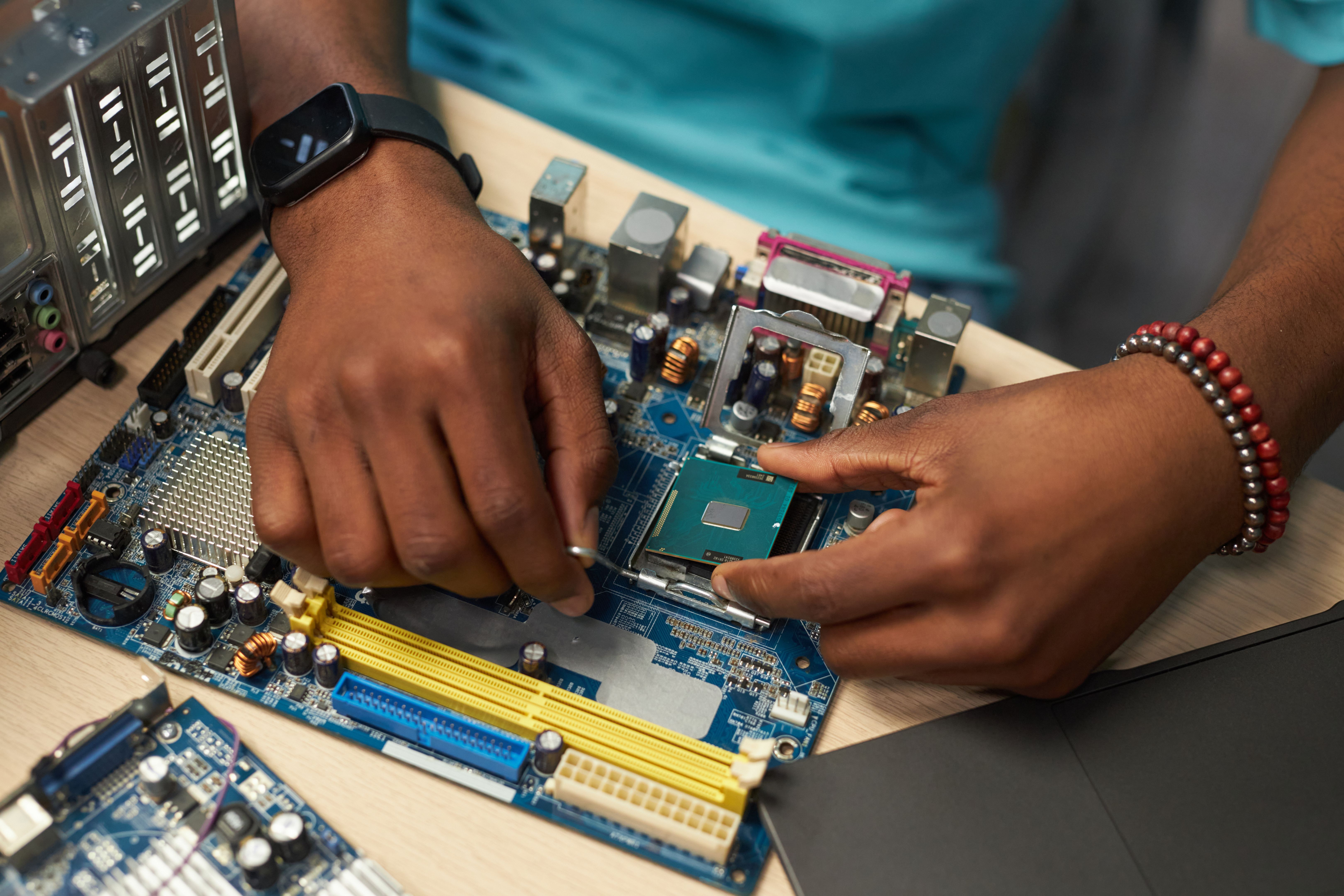
Software Utilities
Using software utilities like disk defragmenters and system optimizers can significantly improve your computer's performance by organizing data and cleaning up unnecessary files.
When to Seek Professional Help
While many issues can be resolved at home, some require professional intervention. Here are signs you might need expert assistance:
- Persistent hardware failures.
- Complex software issues that you cannot resolve.
- Data recovery needs.
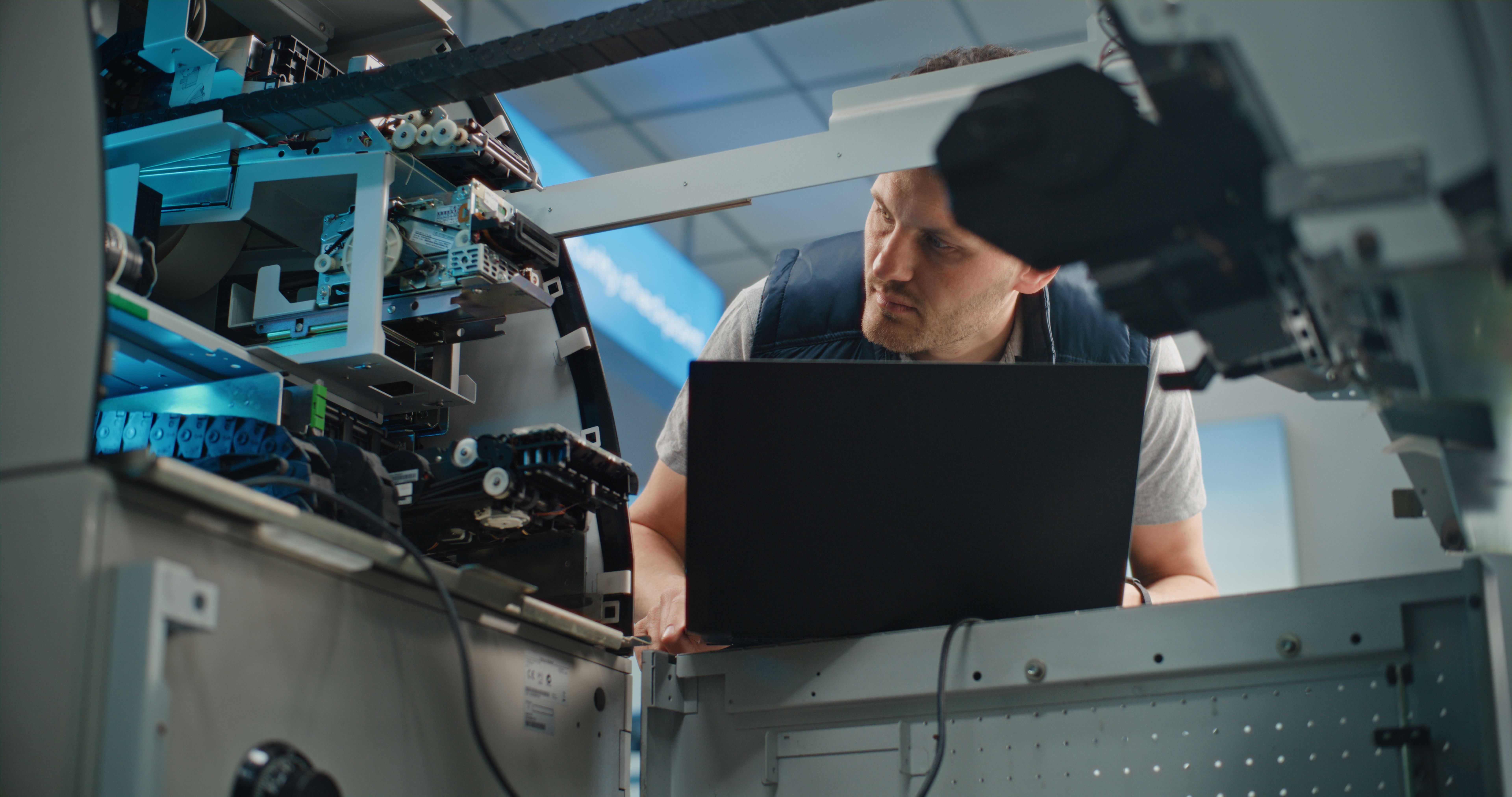
Understanding when to seek professional help can save time and prevent further damage to your computer.